How to Light for Video Conferencing at Home
Working from home, video conferencing is becoming more and more popular. Obtaining perfect lighting is always the key to video conferencing. If you are not sure about the appearance of the call, turn on the webcam when adjusting. How to set up lighting for video conferencing?
Product description
Working from home, video conferencing
is becoming more and more popular. Obtaining perfect lighting is always the key
to video conferencing. If you are not sure about the appearance of the call,
turn on the webcam when adjusting. How
to set up lighting for video conferencing?
1. Use
Natural Light Sources
Sunshine light sources are always
pleasing to the mood, it evenly enhances and brightens your skin and features,
providing you with clear, flattering movie qualities. If your work desk is
fixed, you need to work hard to adjust the natural light and rely on the
lighting in the room to avoid confusing visual during video calls.
2. Place the
Lighting Correctly
One of the easiest ways to improve the
appearance of a video is to turn on any available light and place it behind or
to the side of the camera. Look for adjustable lighting, such as desk lamps or
led ring fill light. Placing laptop lighting equipment above the computer
screen allows it to more thoroughly illuminate the light in the camera lens of
view, thereby ensuring more uniform brightness. Buy the ring light for laptop
with clip or tripod to obtain the ideal lighting.
3. Try
Three-Point Lighting
Three-point lighting is very simple.
Use three light sources in the space to create a balanced lighting effect. The
main light source should come from behind the camera, and you should use an
auxiliary light source near the key light source.
For regular video meeting, three-point
lighting may be too extravagant. The three-point lighting is not only used for
video calls, you can use it to take Instagram photos in your life, which can
show you the freedom and perfect joy of life during the pandemic.
4. Adjust the
Camera
This is one of the basic principles of
using camera in video call: keep the camera at the same level of eye sight.
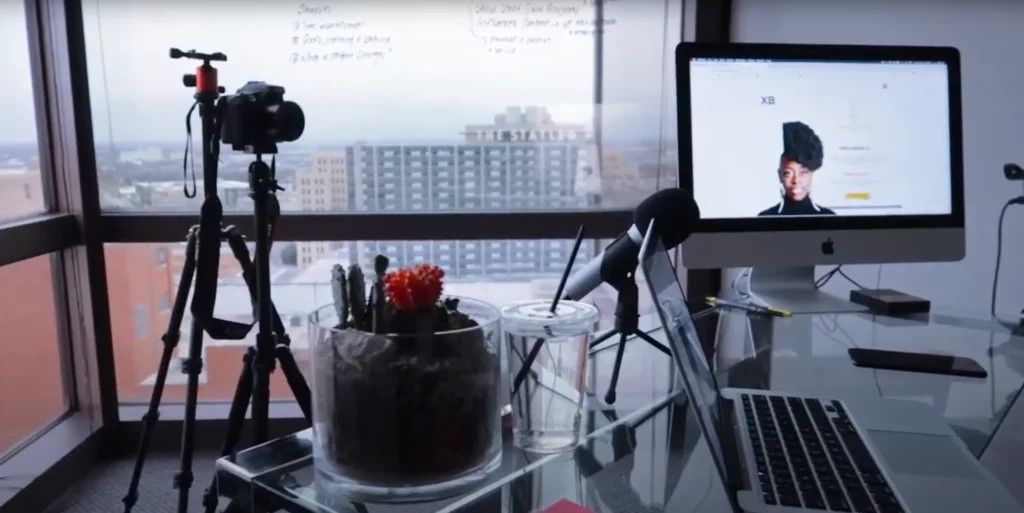
Put books, green plants or coffee on
the work desk, you can easily add some vitality to your work space.
5. Keep Good Skin
The
most economical way to improve the appearance of a video conference is to
replace the fill light. The goal is to obtain a consistent color temperature on
all light sources.
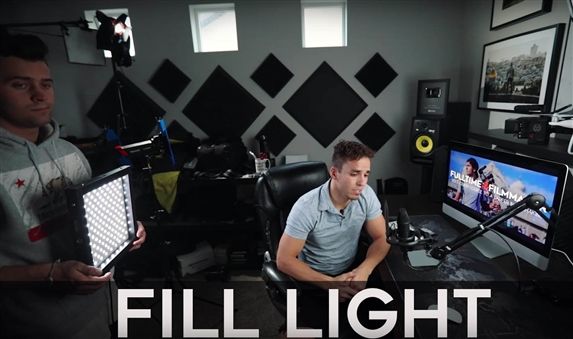
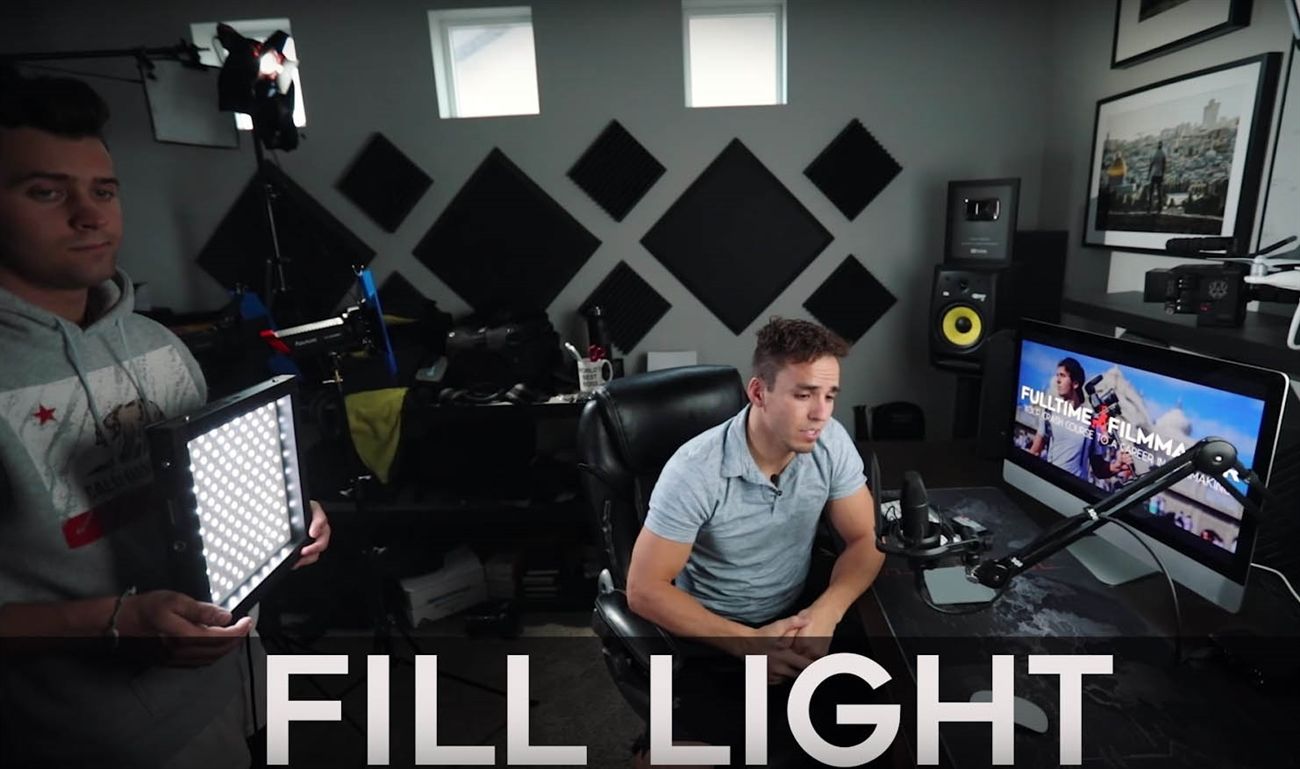
Experienced YouTubers, Twitch experts and other professionals all like to use led panel lights and ring lights. Choose the best light mode according to natural light, your skin and the meeting effect you want. Dimmable fill light creates more possibilities for your online work.
Desktop 10 Inch ring
light with stand and phone holder. It clamps your mobile phone in the light center for
phone video chat, and is equipped with an adjustable tripod, different lighting
modes and brightness levels, so you can adjust the really appearance. They also
tend to be bulky, so they are not ideal for mobile phones.

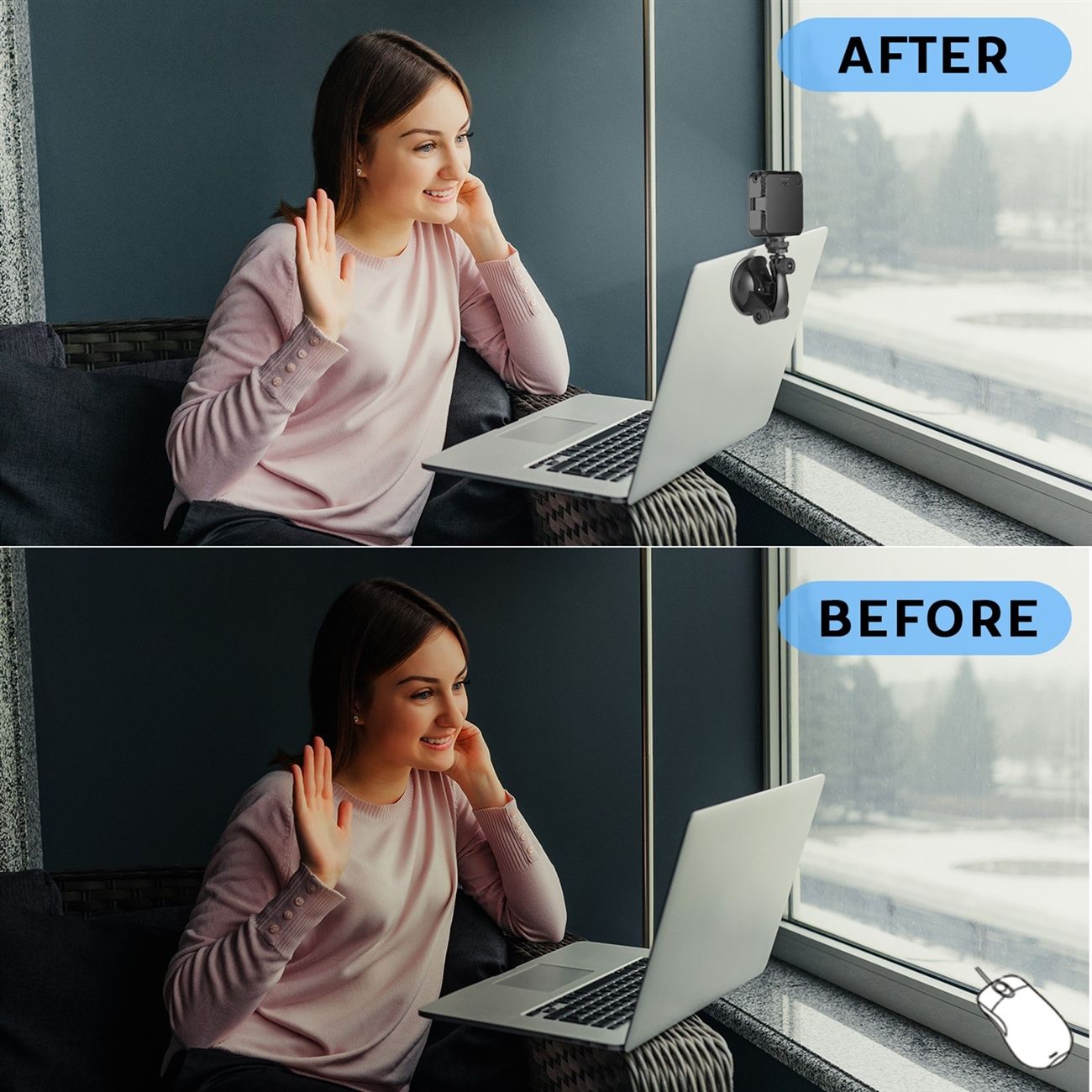
The pocket fill light for laptop without a mobile phone holder, but is replaced with a clip or
suction cup that can be directly clamped on the computer screen. It is small
enough to fit into a computer bag or pocket at any time, without any burden on
you.
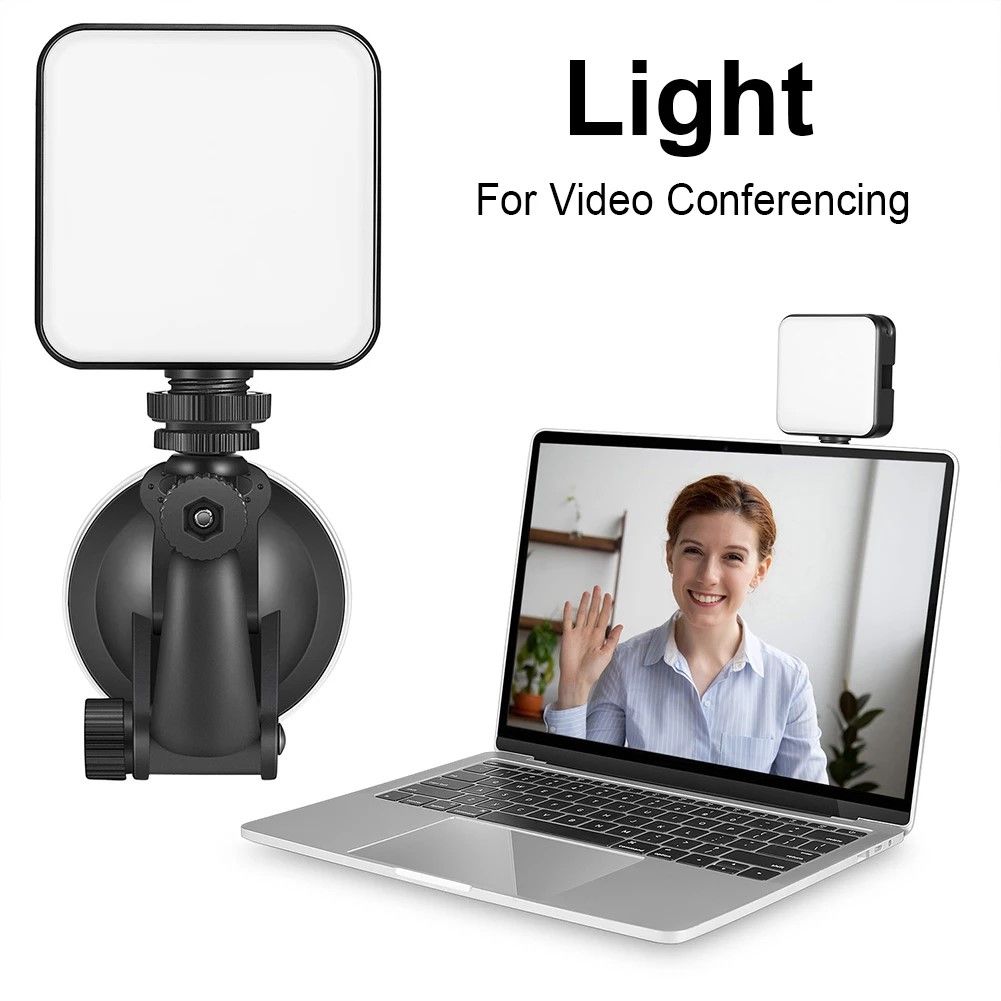
The small desktop tripod is equipped that
allows the fill light to be placed in a blank space on the desk.
6. Background
Although compared with your meeting
room, a small study room is not suitable for professional meetings, the home
decoration style shifts the focus to who should be the protagonist.
The best lighting for video conferencing
should make the camera clearly see the people in the lens. It is recommended to
use a pure white background to ensure that your work space can make you feel
better about video calls.
Summary:
Amazon and online stores provide a
variety of webcam lighting for video conferencing to meet your requirements.
Refer to the tips in this article, you can even combine the laptop fill light
with table lamps and ceiling lamps, place them correctly and adjust to the
appropriate color temperature and brightness to achieve perfect video results.
Related Articles:
The
Best Webcam with Ring Light Reviews for 2021
The
Best Webcam with Adjustable Ring Light for Zoom Meetings